
Why I Chose WordPress
When I set out to build Discover & Go, my first challenge was selecting the right Content Management System (CMS). WordPress stood out due to its widespread acceptance, vast resources, and tutor recommendations. Powering over 42% of websites globally (Merit, 2021), WordPress offers extensive plugins and themes, making it a flexible choice. As I delved deeper into setting up the site, I quickly realised both the advantages and drawbacks of working with this system, which shaped my understanding of digital content management.
The Role of WordPress
One of the key benefits of WordPress is its user-friendliness and accessibility. Even without extensive coding knowledge, users can create, edit, and publish content with ease (Iqbal et al., 2020). Its large plugin ecosystem allows for enhanced functionality, making it adaptable to various project needs. (Pavel Ciorici, 2022). The strong community support ensures that issues can be resolved quickly, as solutions are readily available through forums and documentation (Bhatt, 2023)
However, WordPress is not without its drawbacks. Firstly, it is not cost-effective. Also, the reliance on plugins can create performance issues, as excessive use may slow down a website. (Roets, n.d.) Furthermore, security risks arise from third-party plugins, requiring constant updates and monitoring (Gauld, 2024). Customisation, while extensive, often demands additional coding knowledge, making advanced modifications more challenging for non-developers. (Baker, 2020)
Challenges in Setting Up
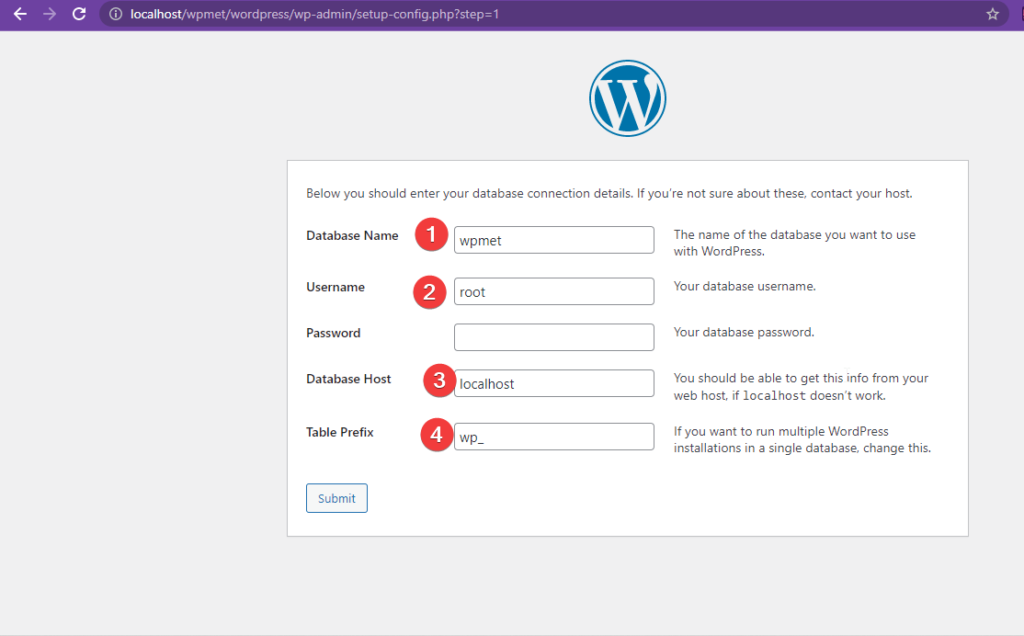
My initial approach was to develop the site locally. This allowed me to experiment with templates, layouts, and plugins without affecting a live site. However, I soon realised that running WordPress in a local environment had significant drawbacks. After receiving a hosting subscription from my tutor, I had to reconfigure everything from scratch, reinforcing the importance of planning hosting before development rather than adopting it late.
Mistakes with AI Templates & JSON Errors
Using an AI-generated template turned out to be a major setback. While it initially seemed promising, customisation was locked behind premium upgrades, limiting my ability to adjust the layout. I had to reset my theme 3-4 times due to layout restrictions.
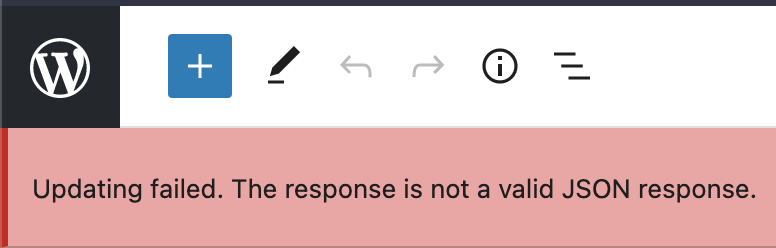
Additionally, I encountered a JSON error, which took significant research and troubleshooting to resolve. This taught me the importance of testing templates before committing and understanding WordPress error logs.
APIs & their Impact
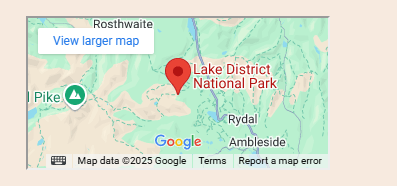
APIs played a key role in enhancing my project. I have integrated multiple APis enhancing functionality. Google Maps API enabled location bookmarking, while the OpenWeatherMap API provided real-time weather updates. However, finding the right plugin was a challenge. For hiking route, I tested multiple options, including OSMaps before settling on Komoot, which best met my needs. This extensive trial-and-error process underscored the complexities of API integration.
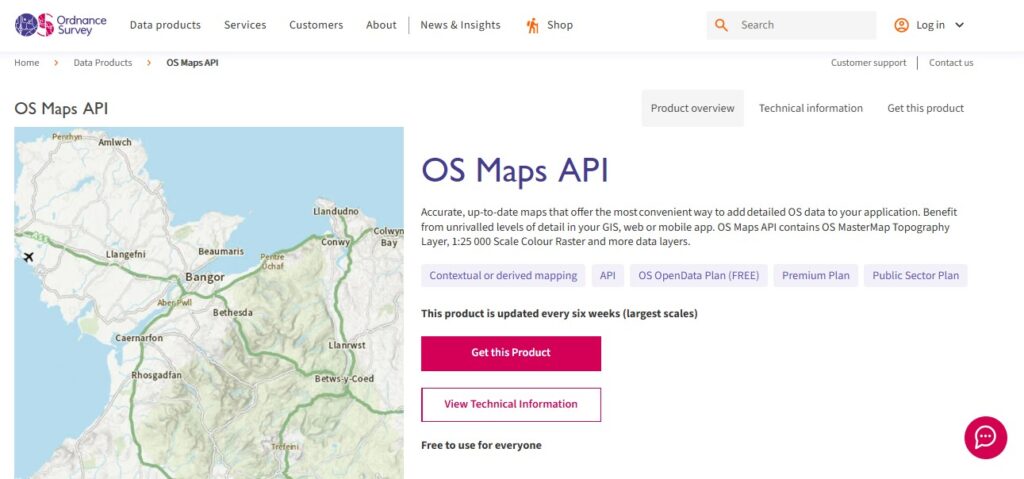
Finding the right interactive map plugin was another challenge. I needed bookmarking features and spent hours testing different options. Many plugins lacked customisation or had one static address.
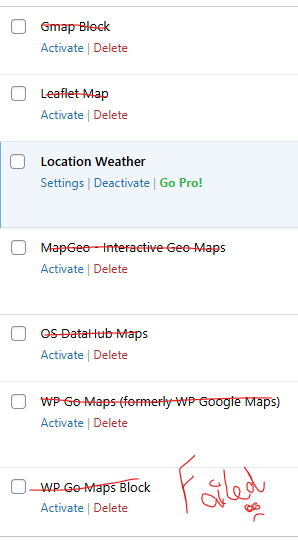
Additionally, a hotel booking plugin failed. It did work in Elementor view, switching to WordPress default mode broke the integration.

Effectiveness of My Solution
To conclude, WordPress remains a powerful CMS, offering flexibility and scalability. However, its reliance on plugins can introduce performance risks. Despite these challenges, Discover & Go successfully leveraged CMS and API capabilities to create an engaging platform. WordPress streamlined content management, while API integrations improved interactivity. However, plugin selection, security monitoring, and continuous optimization remain essential for long-term efficiency.
Leave a Reply